
Websites
What Every Plumbing Company Website Needs
The 6 things customers look for on a plumbing website, in the order they look, plus a 10-point checklist and a sample 5-page layout.
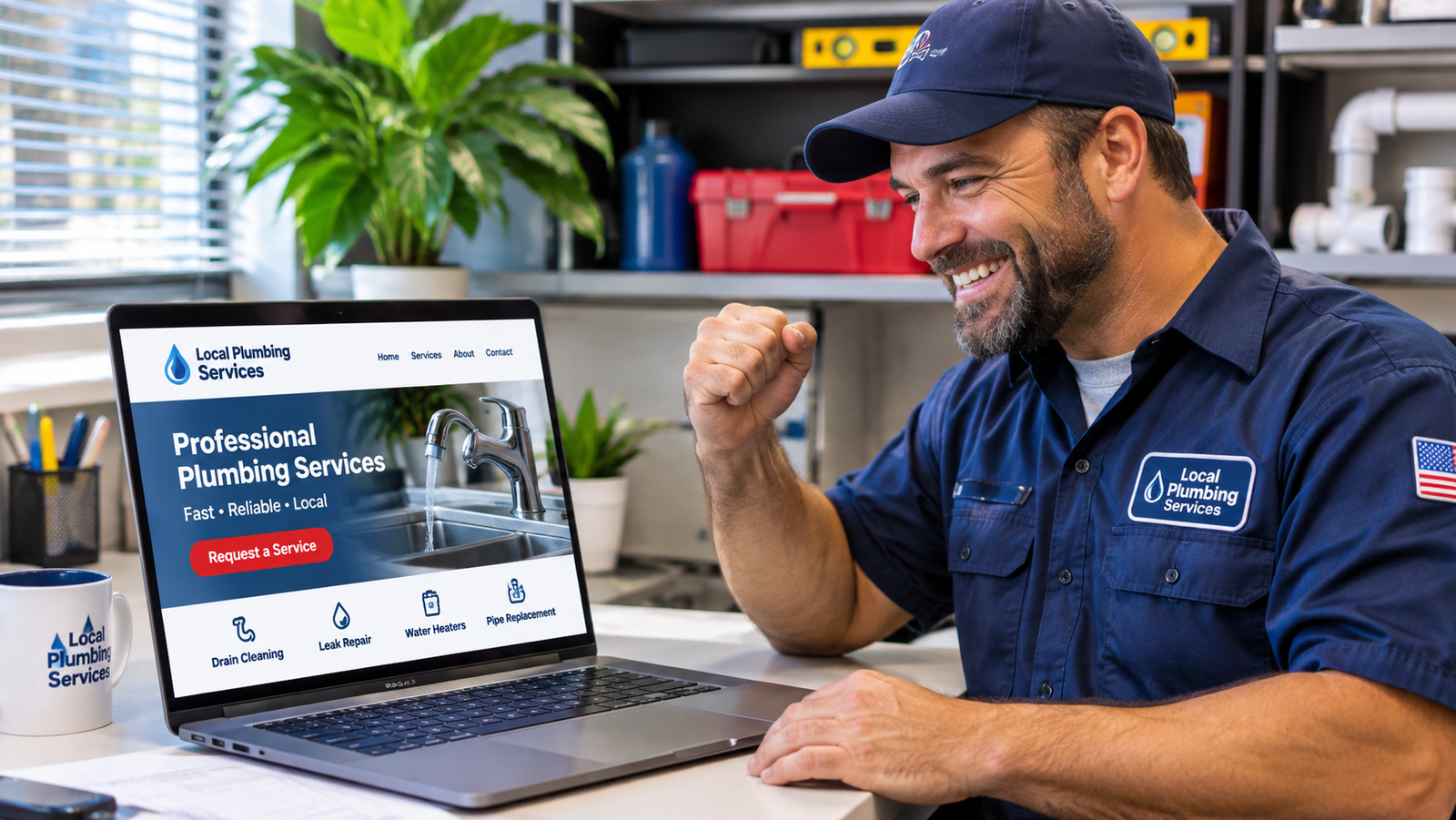
When a pipe bursts at 10pm nobody is going to read a plumbing website from top to bottom. They're looking for three things: do you work in my area, can you fix that problem and how quickly can I get to you? A good plumbing website answers all three of those questions in the first few seconds on a phone.
Here's what every plumbing company website needs in the order that customers will look for it, with a checklist you can apply to your own site right now.
1. A phone number you can tap, on every page
Put your phone number at the top of every page (large enough to tap with a thumb on a phone) and tapping it on the phone should initiate the call. Repeat it at the bottom of each page as well.
If you're taking emergency calls then say precisely when. "24/7 emergency service" is of no use if no-one actually picks up at 2am. If you're not then "Same day service, Monday to Saturday" is the right thing to say. Clarity builds more trust than any promise you can make.
2. The towns you serve, in plain words
Customers want to know that you come to them. List your service area by name (the city, the surrounding towns and the neighborhoods you drive to every week). That also helps Google to show your site to people who are searching in those areas.
If you're serving a number of towns then a short page for each one ("Plumber in Round Rock", "Plumber in Pflugerville") gives each town a chance to appear in the search.
3. One clear page per service
A homeowner searching for 'water heater replacement' is going to want to end up on a page about water heaters (not some long list of everything you do). Give your main services their own section/page.
- Drain cleaning and clogs
- Water heaters (repair and replacement)
- Leak detection and repair
- Toilets, faucets and fixtures
- Sewer lines
- Repiping and remodels
On each one, say what the problem looks like, what you do about it, and what happens next ("We call you back within the hour to book a time").
4. Proof that you are real and trusted
- Your license number, if your state licenses plumbers. Put it in the footer.
- Real photos of your truck, your team and your work. Stock photos of smiling models make people suspicious.
- Real reviews, with a link to your Google reviews. Never invent or edit reviews.
- How long you have been in business and the name of the owner. People like to know who is coming to their house.
5. A short request form
Not everyone wants to call. Some would rather just send a quick message from work. Keep it as short as possible: name, phone, town, what's going on and an optional photo. The more fields you add the fewer people are going to complete it.
Make sure the form goes straight to you and that someone looks at it during the day. A form that nobody responds to is worse than no form at all.
6. Fast and easy on a phone
Most people looking for a plumber are on their phone. Open your own site on your phone and check:
- Does the page load in a couple of seconds?
- Can you read the text without zooming in?
- Is the phone number visible without scrolling?
- Does the form work with your thumb?
The plumbing website checklist
- Tap-to-call phone number at the top of every page
- Your real hours, and emergency hours only if they are true
- Every town you serve, listed by name
- A section or page for each main service
- License number in the footer, if your state requires one
- Real photos of your team, truck and work
- Link to your Google reviews
- A short request form that reaches you the same day
- Loads fast and reads well on a phone
- Your business name, address and phone written the same way everywhere online
What this looks like in practice
"Example Plumbing Co." serves three towns. A five-page Starter Website for them would look like this:
| Page | What is on it |
|---|---|
| Home | Phone number, towns served, the three most common jobs, reviews, request form |
| Services | Drains, water heaters, leaks, fixtures and sewer lines, each with a short paragraph |
| Our work | Before and after photos from real jobs |
| About | The owner, the license number, years in business, the team |
| Contact | Phone, hours, service area and the request form |
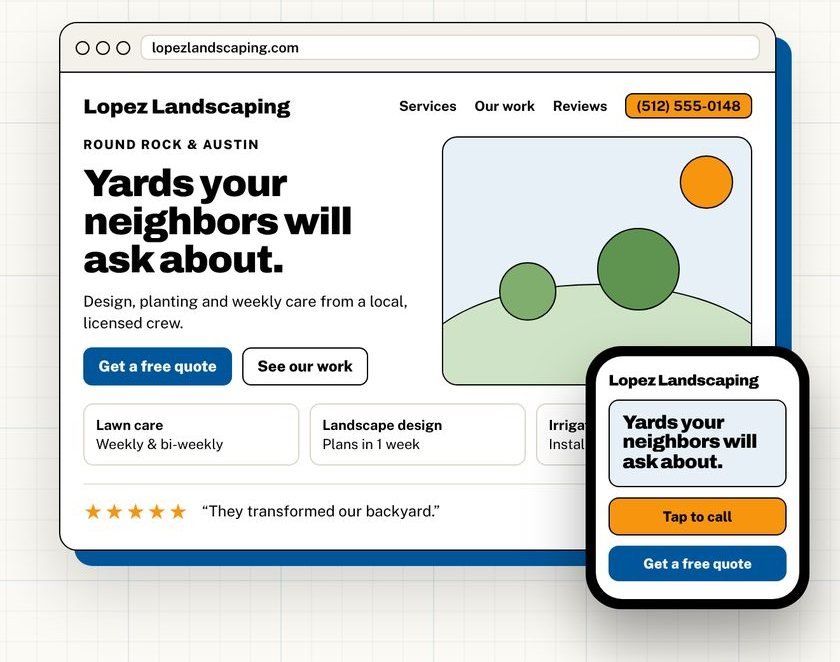
Here is the same layout on our sample site for a landscaping company. A plumbing site uses the same structure with plumbing words and photos.
Get the website and the follow-up together
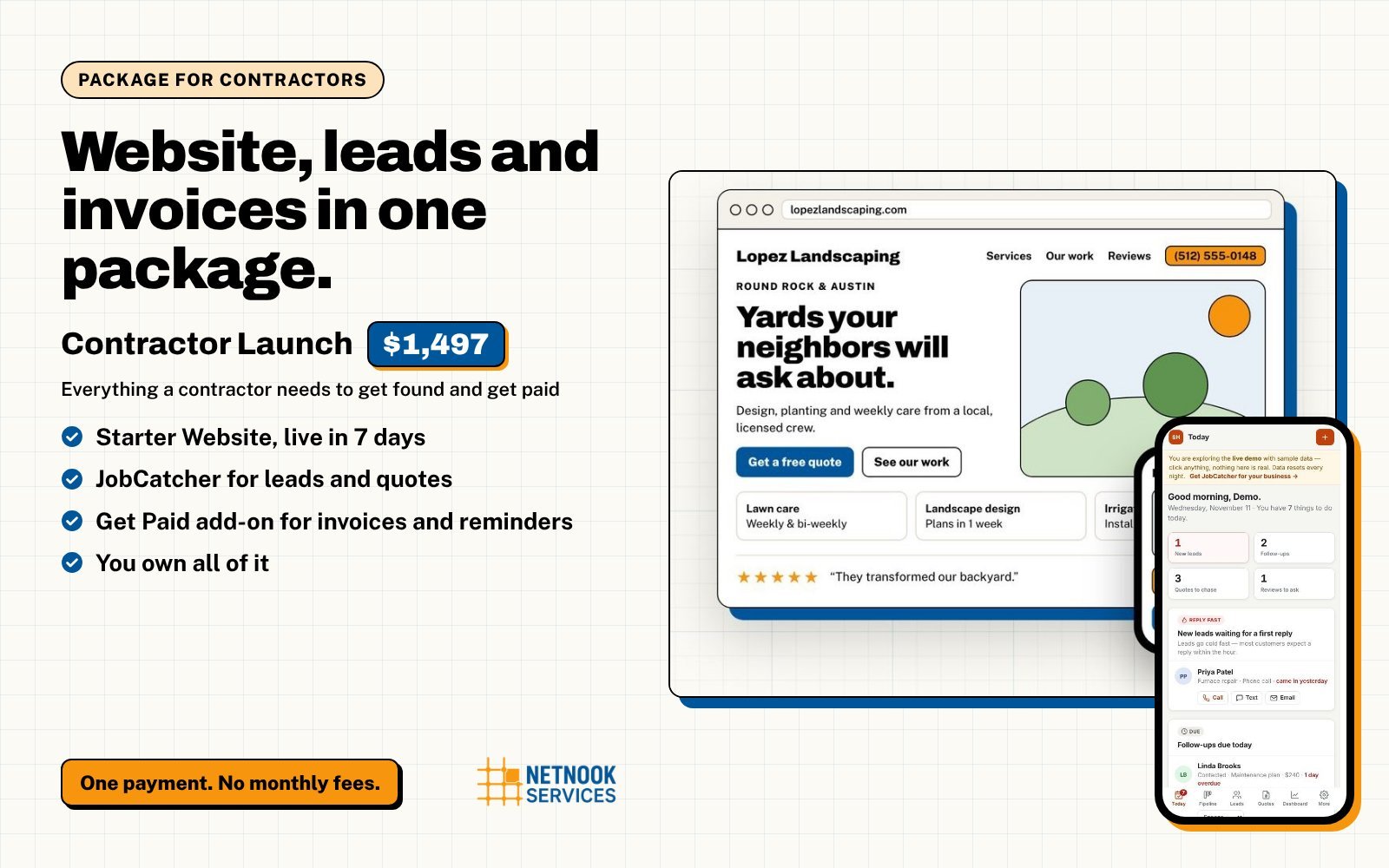
A site will generate requests. The next step is to respond to those requests quickly and follow up on every quote. Our Contractor Launch package does both for you in a one-off payment of $1,497: a Starter site, JobCatcher for leads and quotes and the Get Paid add-on for your invoices. No monthly fees.
Made by NetNook
Contractor Launch, $1,497A Starter Website, JobCatcher for leads and quotes, and the Get Paid add-on for invoices, in one package. One payment, no monthly fees.See the packages