Getting paid
How to Follow Up on Unpaid Invoices
A polite reminder schedule from 3 days before the due date to 14 days late, the exact words to send at each step, and how PayCatcher sends them for you.

Chasing your money is the bit of running a business that no one really enjoys. It's awkward, it takes time and it's so easy to put off until the invoice is two months overdue. Most of the people who don't pay are not being deliberate. They've just forgotten, the invoice got lost somewhere, or paying it was just plain difficult.
A clear, polite follow-up schedule will sort most of this out. Here's a schedule you can use, the exact wording to send at each stage and a look at how PayCatcher (our invoicing tool) will send these reminders for you.
Before you chase: make paying easy
Many late payments start with an invoice that is hard to act on. Check yours:
- The amount due and the due date are easy to spot.
- There is a link or button to pay online, not only a mailing address.
- The invoice number is on it, so the customer can match it to their records.
- Your phone number and email are on it for questions.
- It went to the person who actually pays the bills.
The reminder schedule
Send reminders on a fixed schedule so you never have to decide "is it time yet?"
| When | Tone | Goal |
|---|---|---|
| 3 days before the due date | Friendly heads-up | Put it on their radar |
| On the due date | Friendly | Easy one-click payment |
| 3 days late | Friendly, direct | Catch the people who simply forgot |
| 7 days late | Firmer | Ask for a date |
| 14 days late | Firm | Make it personal: call or text |
After 14 days, stop the automated emails and speak to the customer yourself. If 30 to 60 days pass with no response, decide whether to pause future work, send a final written notice, or contact a collections agency or attorney about your options.
What to say at each step
You can copy these and change them to sound like you.
3 days before: "Hi Maria, a quick heads-up that invoice 2020 for $320 is due on Friday. You can pay it here: [link]. Thanks!"
On the due date: "Hi Maria, invoice 2020 for $320 is due today. Here is the link to pay: [link]. Let me know if you have any questions."
3 days late: "Hi Maria, invoice 2020 for $320 was due on Friday and still shows as open. If you have already paid, thank you, and please ignore this. If not, here is the link: [link]."
7 days late: "Hi Maria, invoice 2020 for $320 is now a week past due. Could you let me know when you expect to pay it? The link is here: [link]."
14 days late: Pick up the phone, or send a short text from your own phone: "Hi Maria, it's Sam from Example Business. Calling about the $320 invoice from last month. When is a good time to sort it out?"
Keep all messages short, polite and factual. Never threaten anything you're not prepared to actually do and don't add any fees to your invoice that weren't in your original terms.
How PayCatcher does it for you
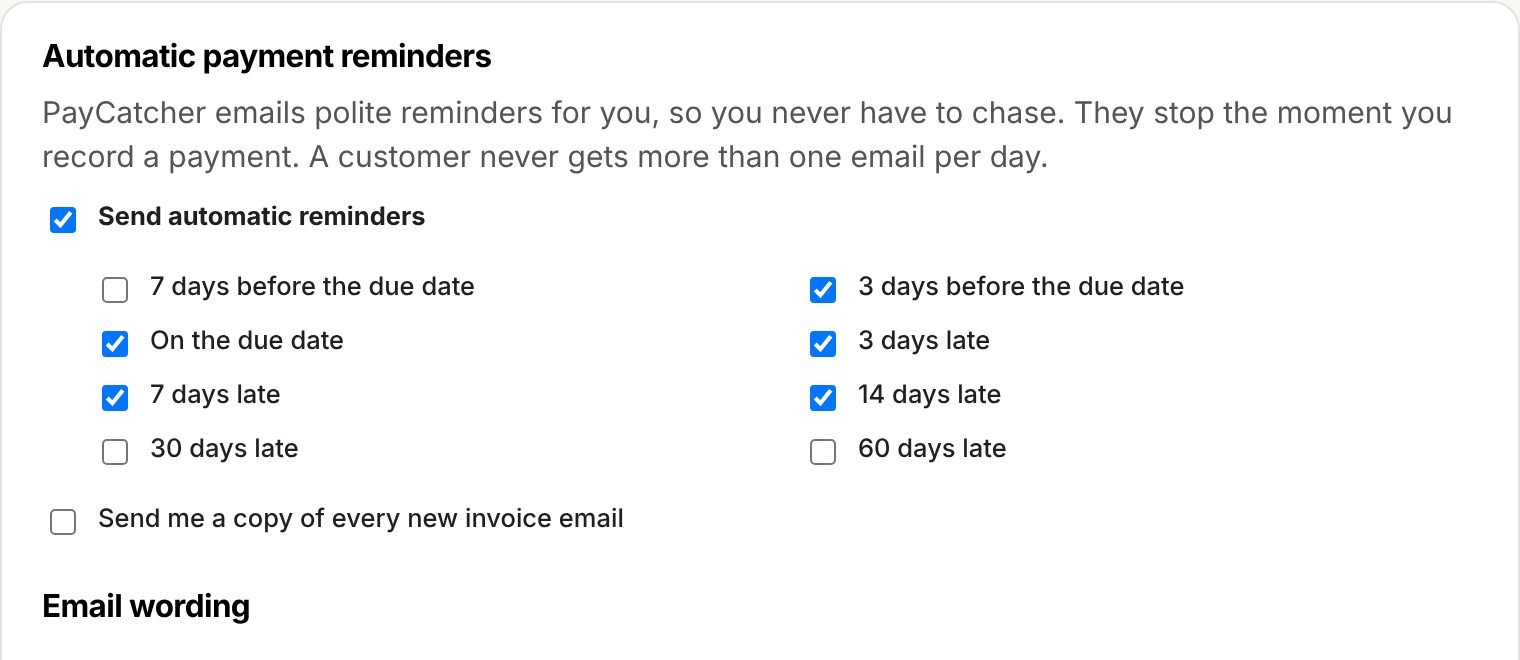
PayCatcher sends out the schedule itself. You pick the days, you write the emails in your own words once and it just stops when you've ticked the invoice as paid. The customer never gets more than one email a day.
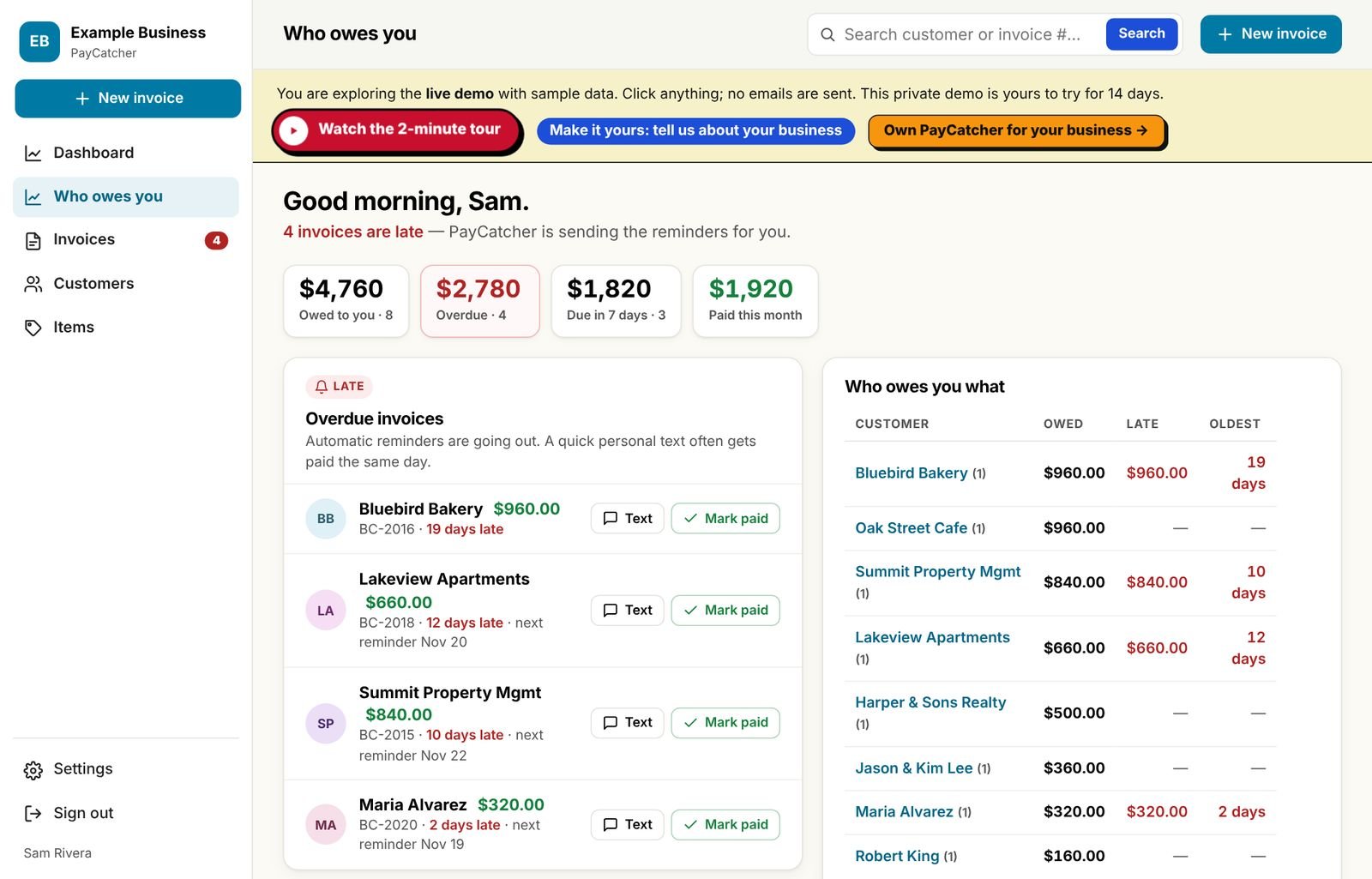
The Who owes you page shows everything that is open, what is late and by how many days, with Text and Mark paid buttons next to each one.
Two more things help:
- "Opened" tracking. You can see if and when the customer opened the invoice. "Opened three times" and "never opened" call for very different messages.
- Your own payment link. The Pay now button opens your own payment page, such as Stripe, Square or PayPal. PayCatcher never touches the money.
Made by NetNook
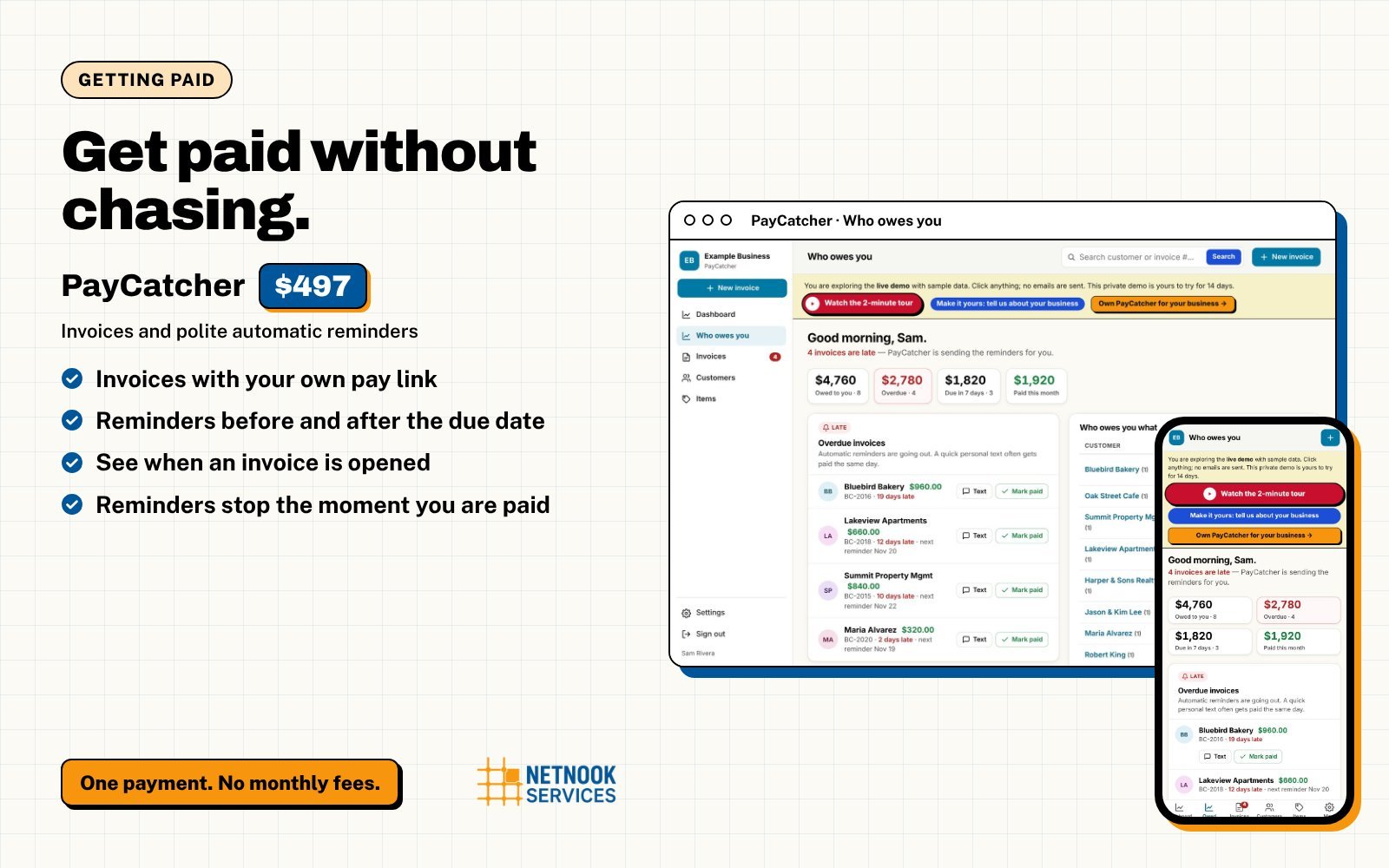
PayCatcherInvoices with your own pay link, Opened tracking, and polite reminders that go out on their own and stop when you are paid. One payment, no monthly fees.See it and try the free demoWhat faster payments are worth
If you're sending out $20,000 worth of invoices a month and on average your customers are 15 days late then you're literally having $10,000 of your own cash sitting in someone else's bank account at any one time. If you can get the average down to 5 days late with regular reminders then you're back to having $6,600 of that money in your own account and it will remain there as long as you keep the reminders coming.
Your unpaid invoice checklist
- Every invoice has a due date and a pay link.
- Reminders go out on a fixed schedule, starting before the due date.
- Messages are short, polite and include the link every time.
- At 14 days late, you call or text in person.
- Reminders stop as soon as the invoice is paid.
- You check the Who owes you list once a week.